

Quick answer: Cyber Essentials password policy explained: the three accepted approaches, MFA requirements, passwordless / passkey rollout & common failures. UK 2026 guide.
Last updated: September 2026 | Reviewed by: Connection Technologies team
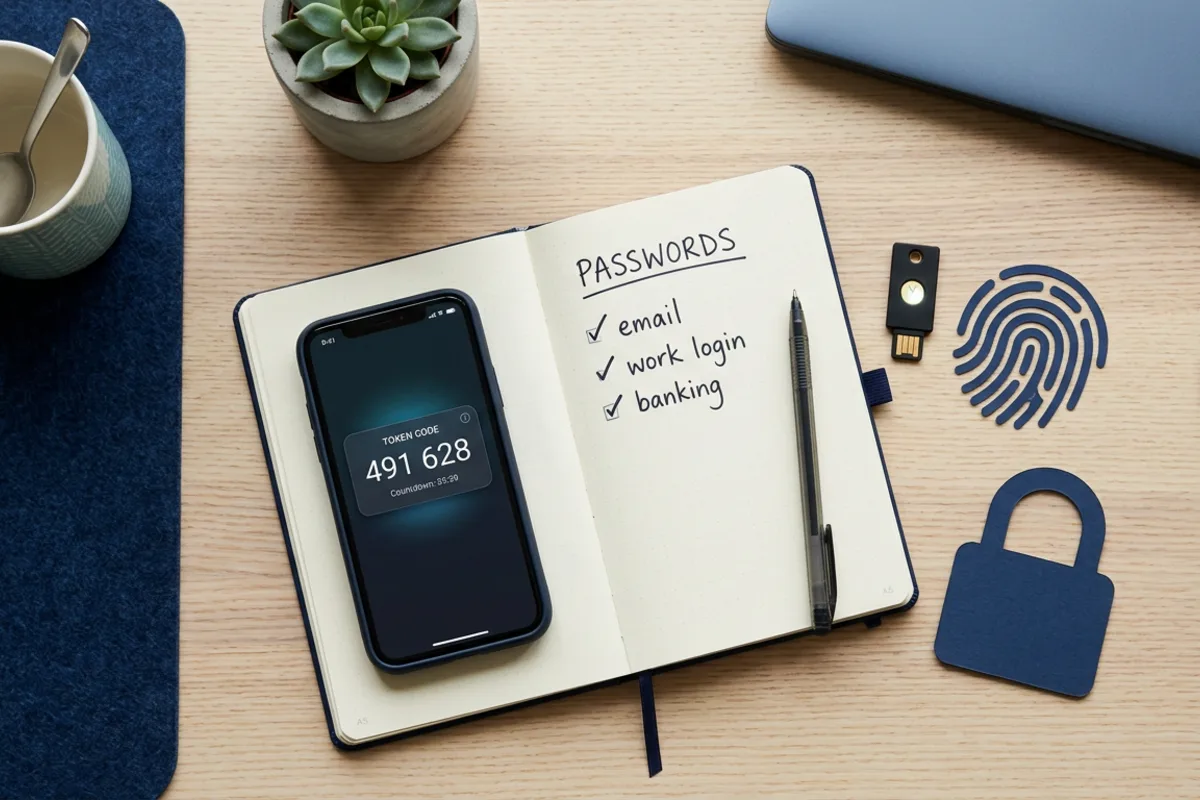
The Cyber Essentials password policy is one of the most-misunderstood parts of the scheme. The current spec (Requirements for IT Infrastructure v3.3, assessed through IASME’s Danzell question set from 27 April 2026) accepts any one of three approaches — and forced 90-day rotations are discouraged, not required. Multi-factor authentication is required on every cloud service that holds organisational data and on every administrative account, with passwordless authentication explicitly accepted as a valid form of MFA.
How many employees does your business have?
Get a free no-obligation IT support quote in 60 seconds
When does your current contract expire?
Tell us about your business
Your details
We'll never share your details. Unsubscribe anytime.
Thank you!
One of our IT specialists will be in touch shortly with a tailored support quote for your business.















This guide covers the password and MFA requirements in detail: what’s accepted, what’s recommended, where assessors push back, and the practical configuration that satisfies the questionnaire. For wider context see our requirements guide and the M365 / Azure configuration guide.
Cyber Essentials password policy — the three accepted approaches
You only need one of these three:
| Approach | Min password length | Other requirement | Best for |
|---|---|---|---|
| 1. MFA | 8 characters | Second factor required | All cloud services (default) |
| 2. Throttling | 8 characters | Auto-lockout after ≤ 10 incorrect attempts in 5 min | Internal systems where MFA is impractical |
| 3. Strong password length | 12 characters | Deny-list of common/breached passwords | Legacy systems, kiosks |
You can mix approaches across systems — MFA for M365, throttling for an internal HR tool, 12-character passwords on a legacy line-of-business app — provided every in-scope system uses one of the three.
What’s NOT required (despite popular belief)
- Forced password rotations — explicitly discouraged in the current spec. Don’t force 90-day changes. Rotate only when there’s evidence of compromise.
- Specific complexity rules — e.g. “1 uppercase, 1 number, 1 special character” — not required. Length is what matters.
- Password history of 24 — not required.
- Custom security questions — not required and generally insecure.
- Hardware tokens for MFA — accepted but not required. Authenticator app, SMS codes (least preferred), push notification, biometric, hardware key — all accepted.
This was a genuine 2022-2023 update from the older NCSC password guidance. If you’re working from older internal documents, time to revise them.
MFA requirements in detail
Multi-factor authentication is required on:
- Every cloud service that holds organisational data — M365, Google Workspace, Salesforce, Xero, Slack, your CRM, your project tool. List them all.
- Every administrative account — global admins, domain admins, root accounts on cloud platforms, admin accounts on your firewall, admin on your MDM, etc.
- Every internet-accessible service that authenticates users — VPN portals, remote access, web admin consoles for any in-scope system.
MFA is recommended but not strictly required for end-user access to internal-only systems that aren’t internet-facing. Most modern guidance treats it as required anyway.
Accepted forms of MFA
In rough order of strength (and assessor preference):
- Hardware security keys (YubiKey, Titan) — strongest, phishing-resistant
- Passwordless / passkeys — FIDO2 / WebAuthn, increasingly the default for M365 and Google
- Platform biometric (Windows Hello, Touch ID, Face ID) — strong, phishing-resistant when bound to device
- Authenticator app push notification (Microsoft Authenticator, Google Authenticator, Duo Push) — strong
- Authenticator app TOTP code — strong
- Hardware token TOTP — strong
- Email-based codes — accepted but the inbox itself must be MFA-protected
- SMS codes — accepted but discouraged (SIM swap risk). Use only as fallback.
The 2025 update (v3.2) explicitly added passwordless / passkeys as fully acceptable, and v3.3 (April 2026) extends the definition to FIDO2 hardware keys. You don’t need to keep a password if you’re using a stronger primary factor — passkey-only authentication is now CE-compliant.
Password storage requirements
Where your business operates services that store user passwords (your website’s customer login, an internal tool you’ve built):
- Passwords must be hashed using a modern algorithm — bcrypt, Argon2, scrypt
- Salt must be unique per password
- Plaintext storage is a hard fail
- Reversible encryption is a hard fail
- MD5 / SHA-1 are not acceptable
This rarely affects most SMEs (you’re using Auth0, Cognito, M365, Google) but does apply if you’ve built a custom auth system.
Brute-force protection (the throttling option)
If you’re using approach 2 (throttling instead of MFA), the system must:
- Lock out after no more than 10 incorrect attempts in 5 minutes (the standard rule)
- Log the failed attempts
- Either auto-unlock after a defined period (typically 15-30 mins) or require admin reset
Most modern systems do this by default. The questionnaire wants a screenshot of the policy or a config snippet showing the lockout settings.
Common Cyber Essentials password & MFA failures
- “MFA is on for users but admin accounts are exempt.” Hard fail — admins must have MFA, no exclusion.
- “We allow break-glass admin without MFA.” Acceptable only if the break-glass account credentials are stored in a vault accessible only by named individuals, with logged access. Document the procedure.
- “We use SMS for everyone.” Accepted but assessors prefer authenticator app. Doesn’t fail you, but expect a query.
- “We force password rotation every 60 days.” Doesn’t fail you (rotation is allowed, just not required) but you’ll get a polite query asking why.
- “We have MFA on M365 but not on Salesforce.” Hard fail — every cloud service holding org data needs MFA.
- “Service accounts don’t have MFA.” True for most service accounts (they’re not interactive), but they must be governed: long random password, stored in a vault, no shared usage, rotated on suspicion.
Password manager — recommended (and IASME-friendly)
Although not required, a password manager (1Password, Bitwarden, Dashlane, Keeper, LastPass) is the simplest way to evidence the password requirements:
- Every account gets a unique strong password (no reuse)
- Centrally enforces length and complexity
- Stores TOTP codes in the same vault
- Provides reporting (compromised passwords, weak passwords, reused passwords)
- Audit trail of access
The reporting alone is useful evidence in the questionnaire — a screenshot of “0 reused passwords across the organisation” is a clean, single-page evidence pack.
Passwordless / passkey rollout for Cyber Essentials
If you want to move to passwordless on M365 (the simplest passwordless rollout for most SMEs):
- Enable passkey authentication in Entra ID > Authentication methods
- Have users register a passkey (typically Windows Hello or platform biometric, plus a backup security key)
- Add Conditional Access policy “phishing-resistant MFA required for admins”
- Eventually disable password sign-in entirely (months 3-6 of the rollout, after every user has registered passkeys)
This satisfies the strongest MFA position and the assessor will be enthusiastic. Plus it eliminates phishing as a credential-theft vector.
The Connection Technologies managed approach
Our managed Cyber Essentials service deploys the password and MFA controls automatically — Conditional Access policies for MFA, Intune compliance for device-bound credentials, optional passkey rollout, and reporting that the assessor can read directly. No spreadsheets, no policy documents to draft from scratch.
Get Cyber Essentials & Cyber Essentials Plus — fully managed
Connection Technologies runs Cyber Essentials and Cyber Essentials Plus for UK businesses end-to-end. Our compliance agent automates the five technical controls across every Windows, macOS, iOS and Android device — we submit, audit and renew so you stay certified without the paperwork. RRP from £103/month with free £25,000 cyber-liability insurance for eligible UK businesses.
Skip the Cyber Essentials paperwork
We handle the five controls, the questionnaire, the audit and the renewal — RRP from £103/month.
Frequently asked questions
You can use any one of three approaches: (1) MFA + 8-char password, (2) 8-char password with auto-lockout after 10 failed attempts in 5 min, or (3) 12-char password with a deny-list of common/breached passwords. Forced rotations are discouraged.
Yes — on every cloud service that holds organisational data, on every administrative account, and on every internet-accessible service that authenticates users. Passwordless / passkeys are accepted as MFA in the current v3.3 spec.
Hardware security keys (strongest), passkeys / FIDO2, platform biometric (Windows Hello, Touch ID, Face ID), authenticator app push, authenticator app TOTP, hardware tokens, email codes (where the inbox is MFA-protected) and SMS (accepted but discouraged).
No — and forced 90-day rotations are explicitly discouraged in the current spec. Rotate only when there’s evidence of compromise. Length and uniqueness matter more than rotation frequency.
8 characters if combined with MFA or throttling. 12 characters if used alone (must be paired with a deny-list of common/breached passwords).
Yes — the v3.3 spec (April 2026) explicitly accepts passwordless authentication including passkeys, FIDO2 / WebAuthn and platform biometrics. You don’t need to keep a password if you’re using a stronger primary factor.
Ready to get certified?
Get a fixed-price Cyber Essentials or CE Plus quote
Pick your tier, tell us your team size, and we’ll email you a branded quote in under 60 seconds. No phone calls, no pressure.
Get my Cyber Essentials quote →
Assessed by a UK IASME-licensed certification body · £25k cyber-insurance included
Related Reading
More from the Connection Technologies blog.