
Desk Phone vs Softphone: Which Is Better for Your Business?
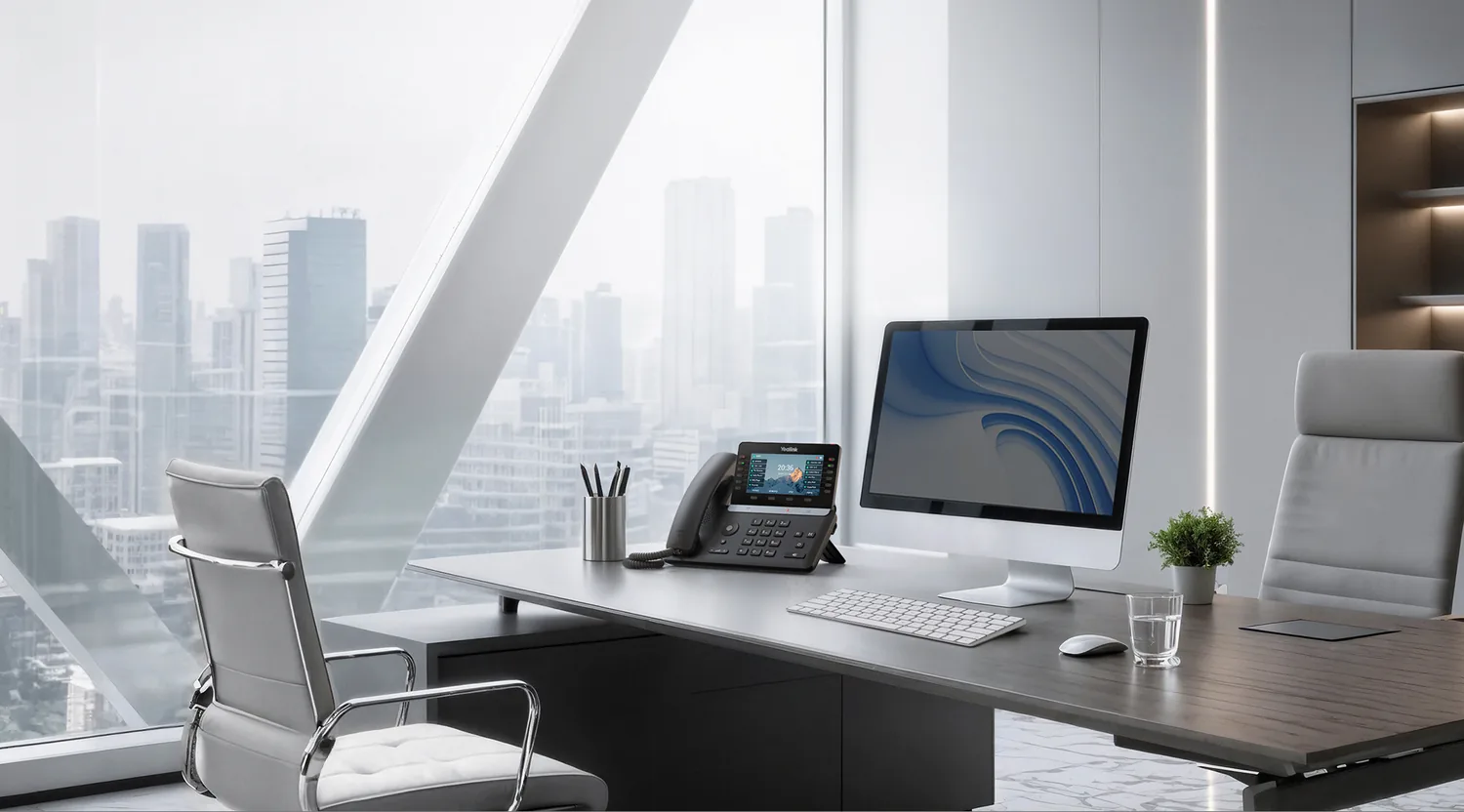
The Two Ways to Make VoIP Calls
When you move to a hosted VoIP phone system, one of the first decisions you face is how your team will actually make and receive calls. The two main options are desk phones (physical hardware that sits on your desk) and softphones (software applications that run on your computer or mobile device).
Both use the same underlying VoIP platform. Both deliver the same call quality, features, and functionality. The difference is in the device — and that difference affects cost, flexibility, user experience, and how your team works day to day.
What Is a Desk Phone?
A desk phone is a dedicated hardware device designed specifically for making calls. Modern VoIP desk phones connect to your network via Ethernet and register with your hosted VoIP platform over the internet. They look and feel like traditional office phones but run on IP technology.
Features of a typical VoIP desk phone include:
- HD voice audio with a built-in speaker and handset
- Colour or greyscale display showing caller ID, call status, and directory
- Programmable buttons for speed dial, BLF (Busy Lamp Field), and line keys
- Dedicated hold, transfer, mute, and conference buttons
- Headset port for wired or wireless headsets
- Power over Ethernet (PoE) support — no separate power adaptor needed
What Is a Softphone?
A softphone is an application installed on a computer, laptop, tablet, or smartphone that replicates all the functions of a desk phone in software. It uses the device's microphone and speakers (or a connected headset) to handle calls.
Features of a typical softphone include:
- Full dial pad with click-to-call functionality
- Contact directory integration
- Presence indicators showing colleague availability
- Instant messaging and chat alongside voice calls
- Video calling and screen sharing
- Call transfer, hold, park, and conference features
- Mobile app for iOS and Android, allowing calls from anywhere
Desk Phone Advantages
Desk phones remain the preferred choice in many office environments for several reasons:
- Reliable audio quality — purpose-built hardware with dedicated speakers and microphones consistently outperforms laptop audio
- Always on — a desk phone does not depend on your computer being switched on, awake, or connected
- Familiar user experience — staff who are accustomed to traditional phones find the transition seamless
- Physical buttons — tactile controls for hold, transfer, and mute are faster than clicking on-screen buttons during a call
- BLF and sidecar support — receptionists and call handlers benefit from physical LED indicators showing line status
- No computer dependency — even if the PC crashes, the phone keeps working
Softphone Advantages
Softphones shine in flexible and remote working environments:
- No hardware cost — the softphone app is typically included with your VoIP subscription at no additional charge
- Work from anywhere — make and receive business calls on your laptop or mobile, using your office number, from any location with internet access
- Unified communications — combine voice, video, messaging, and presence in a single application
- Easy hot-desking — log into the softphone on any computer and your extension follows you
- Click-to-dial — call directly from your CRM, email, or browser with one click
- Lower total cost — no handsets to buy, power, or maintain
When to Choose a Desk Phone
Desk phones are the better option when:
- Staff have fixed workstations and rarely work remotely
- Call volume is high and reliability is critical (contact centres, reception desks)
- Staff are not comfortable with software-based calling
- You need BLF panels for call monitoring and quick transfers
- The office environment requires phones to operate independently of computers
When to Choose a Softphone
Softphones are the better option when:
- Your team works remotely or in a hybrid model
- Hot-desking is the norm and staff do not have assigned desks
- Budget is a primary concern and you want to avoid hardware costs
- You want unified communications — voice, video, and messaging in one app
- Your team is tech-savvy and comfortable with software interfaces
For remote working setups, softphones are often the default choice because they let staff use their business phone number from home without any additional equipment beyond a headset.
The Hybrid Approach: Using Both
Many businesses find that the best solution is not choosing one or the other — it is using both. A hybrid approach gives office-based staff desk phones while equipping remote and mobile workers with softphones.
On most hosted VoIP platforms, a single extension can ring on multiple devices simultaneously. An incoming call can ring on the desk phone, the desktop softphone, and the mobile app at the same time. The user answers on whichever device is most convenient.
This flexibility is one of the key advantages of hosted VoIP — you are not locked into a single device type, and users can switch between devices without the caller knowing.
Cost Comparison
Here is a rough cost comparison for equipping a team of 20 users:
- Desk phones only — 20 handsets at £80–£150 each = £1,600–£3,000 upfront, plus ongoing per-user VoIP subscription
- Softphones only — no hardware cost, headsets at £40–£120 each = £800–£2,400 upfront, plus ongoing per-user VoIP subscription
- Hybrid (10 desk phones, 10 softphones) — 10 handsets + 20 headsets = £1,200–£3,900 upfront, plus ongoing per-user VoIP subscription
The per-user subscription cost is typically the same regardless of whether the user is on a desk phone or softphone, so the cost difference is almost entirely in hardware.
Audio Quality Comparison
In controlled conditions, HD voice quality is comparable between a good desk phone and a good headset on a softphone. However, desk phones have a slight edge in consistency because they use dedicated audio hardware and are not affected by competing applications or system resource usage on a computer.
For softphone users, a quality USB or DECT headset with a noise-cancelling microphone will close the gap entirely.
Making the Decision
There is no universally correct answer. The best choice depends on your team's working patterns, your budget, and your priorities. Consider these questions:
- What percentage of your team works from the office full-time?
- Do any roles require BLF panels or high-volume call handling?
- Is minimising upfront hardware cost a priority?
- Do your staff need video calling and messaging alongside voice?
- How tech-savvy is your team?
Answering these questions will point you towards desk phones, softphones, or a hybrid mix.
Need Help With Your Phone System?
Get advice on the right mix of desk phones and softphones for your team.
Get a Free VoIP QuoteRead More on Our Blog
