
Best Headsets for VoIP: Wireless, USB & Bluetooth Buying Guide
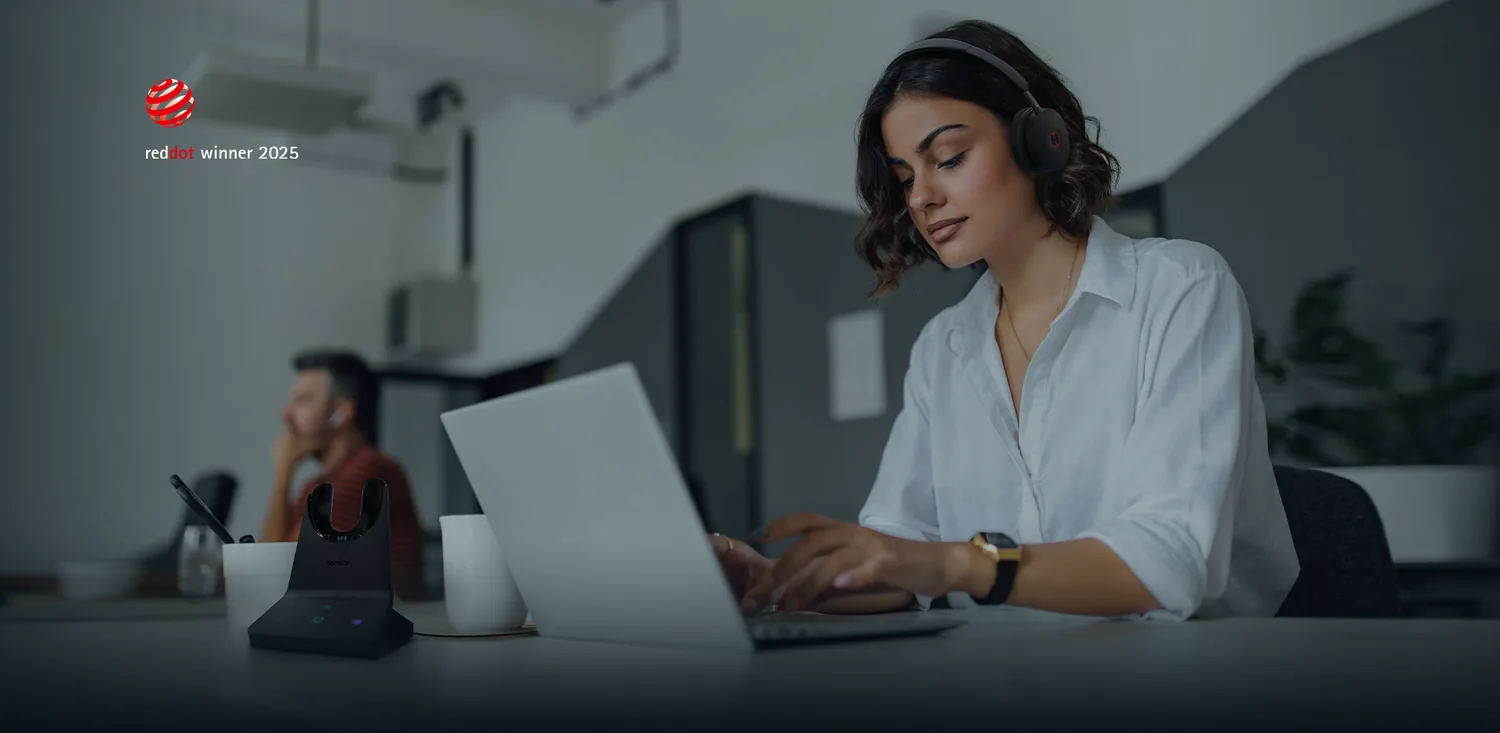
Why Your Headset Choice Matters for VoIP
A VoIP phone system is only as good as the audio quality at each end of the call. You can invest in the best hosted platform available, but if your team is using cheap earbuds or a laptop's built-in microphone, callers will notice. Background noise, echo, tinny audio, and muffled speech all undermine the professional image your phone system is supposed to deliver.
The right headset solves these problems. A purpose-built VoIP headset provides clear microphone pickup, comfortable all-day wear, and noise cancellation that keeps conversations focused — whether your team works in a busy office, at home, or on the move.
Types of VoIP Headset
VoIP headsets fall into three main categories based on how they connect to your device. Each has distinct advantages depending on your working environment.
USB Wired Headsets
USB headsets plug directly into a computer and are the simplest option for softphone users. They draw power from the USB port, so there is nothing to charge, and they offer consistent, reliable audio quality.
Best for:
- Office-based staff using softphones on desktops or laptops
- Contact centre agents who stay at their desk during calls
- Budget-conscious setups where wireless is not essential
Popular models include the Jabra Evolve2 40, Poly Blackwire 5220, and EPOS IMPACT SC 60.
Wireless DECT Headsets
DECT (Digital Enhanced Cordless Telecommunications) headsets use a dedicated base station to provide wireless audio with a range of up to 100 metres or more. They offer superior call quality compared to Bluetooth because DECT uses a dedicated frequency band that does not compete with Wi-Fi or other wireless signals.
Best for:
- Staff who move around the office while on calls
- Receptionists and office managers who need to step away from their desk
- Environments where Bluetooth range or interference is an issue
Popular models include the Jabra Engage 55, Poly Savi 7320, and EPOS IMPACT SDW 5016.
Bluetooth Headsets
Bluetooth headsets pair with laptops, smartphones, and tablets without a base station. They are portable, lightweight, and often support multipoint pairing — connecting to two devices simultaneously so you can take calls from your laptop and mobile without switching.
Best for:
- Remote workers who switch between devices throughout the day
- Mobile workers who take calls on their phone and laptop
- Hot-desking environments where staff do not have a fixed workstation
Popular models include the Jabra Evolve2 75, Poly Voyager Focus 2, and EPOS ADAPT 660.
Key Features to Look For
When evaluating headsets for business VoIP use, pay attention to these features:
Active Noise Cancellation (ANC)
ANC uses microphones on the headset to detect ambient sound and generate an opposing signal that cancels it out. This is essential for open-plan offices and remote working environments where background noise is unavoidable.
Noise-Cancelling Microphone
Separate from ANC (which protects the wearer's ears), a noise-cancelling microphone filters out background sound from the audio sent to the caller. Look for headsets with boom-arm microphones, which consistently outperform built-in microphones for voice clarity.
Comfort and Build Quality
If your team wears headsets for several hours a day, comfort is not a luxury — it is a requirement. Look for:
- Cushioned ear pads with breathable materials
- Adjustable headbands that accommodate different head sizes
- Lightweight construction (under 250g for all-day wear)
- Single-ear (mono) options for staff who need to hear the office around them
Battery Life (Wireless Models)
For wireless headsets, battery life determines how long the headset lasts between charges. Aim for at least 12 hours of talk time for a full working day with margin. DECT headsets often last longer than Bluetooth models due to lower power consumption.
UC Certification
If you use platforms like Microsoft Teams, Zoom, or a hosted VoIP softphone, check that the headset is certified for your platform. Certified headsets offer dedicated buttons for muting, answering, and ending calls, with guaranteed compatibility.
Desk Phone Headsets
If your team uses physical desk phones rather than softphones, you need a headset that connects to the phone rather than a computer. Connection options include:
- RJ9 connector — a wired connection that plugs into the headset port on most desk phones
- Electronic Hook Switch (EHS) — a cable that connects a wireless headset base station to a desk phone, allowing you to answer and hang up calls remotely using the headset button
- Lifter — a mechanical device that physically lifts the handset to answer calls when you press the headset button (used with older phones that lack EHS support)
Check your desk phone model's compatibility before purchasing, as EHS cables are phone-specific.
Mono vs Stereo
Mono headsets cover one ear; stereo headsets cover both. The choice depends on your environment:
- Mono — ideal for office workers who need to hear colleagues and the surrounding environment while on a call
- Stereo — better for noisy environments or staff who need full immersion (e.g., contact centre agents or remote workers with household noise)
Budget Considerations
VoIP headset prices range from around £30 for a basic USB model to over £350 for a premium wireless headset with ANC and UC certification. Here is a rough guide:
- £30–£60 — entry-level USB wired headsets suitable for occasional calls
- £60–£120 — mid-range USB and Bluetooth headsets with decent noise cancellation
- £120–£200 — professional DECT or Bluetooth headsets with ANC and long battery life
- £200–£350+ — premium wireless headsets with full ANC, UC certification, and multi-device support
For teams that spend most of their day on calls, investing in mid-range to professional headsets pays for itself through better call quality, fewer misunderstandings, and reduced fatigue.
Recommended Headsets by Use Case
- Office softphone user — Jabra Evolve2 40 (USB, wired, affordable, great mic)
- Office with desk phone — Jabra Engage 55 (DECT, wireless, EHS compatible)
- Remote worker — Poly Voyager Focus 2 (Bluetooth, ANC, multipoint pairing)
- Contact centre agent — EPOS IMPACT SC 60 (USB, stereo, noise-cancelling mic)
- Mobile worker — Jabra Evolve2 75 (Bluetooth, ANC, UC certified, foldable)
Pairing the right headset with a well-configured hosted VoIP platform ensures your team sounds professional on every call, regardless of where they work.
Getting Started
If you are unsure which headsets are compatible with your VoIP system or need advice on equipping a team, we can help you choose the right models and get them configured.
Need Help With Your Phone System?
Get expert advice on headsets, handsets, and VoIP hardware for your team.
Get a Free VoIP QuoteRead More on Our Blog
